How to structure a Pulumi IaC project for multiple environments
Multiple environments and how to structure them in a single reproducible project
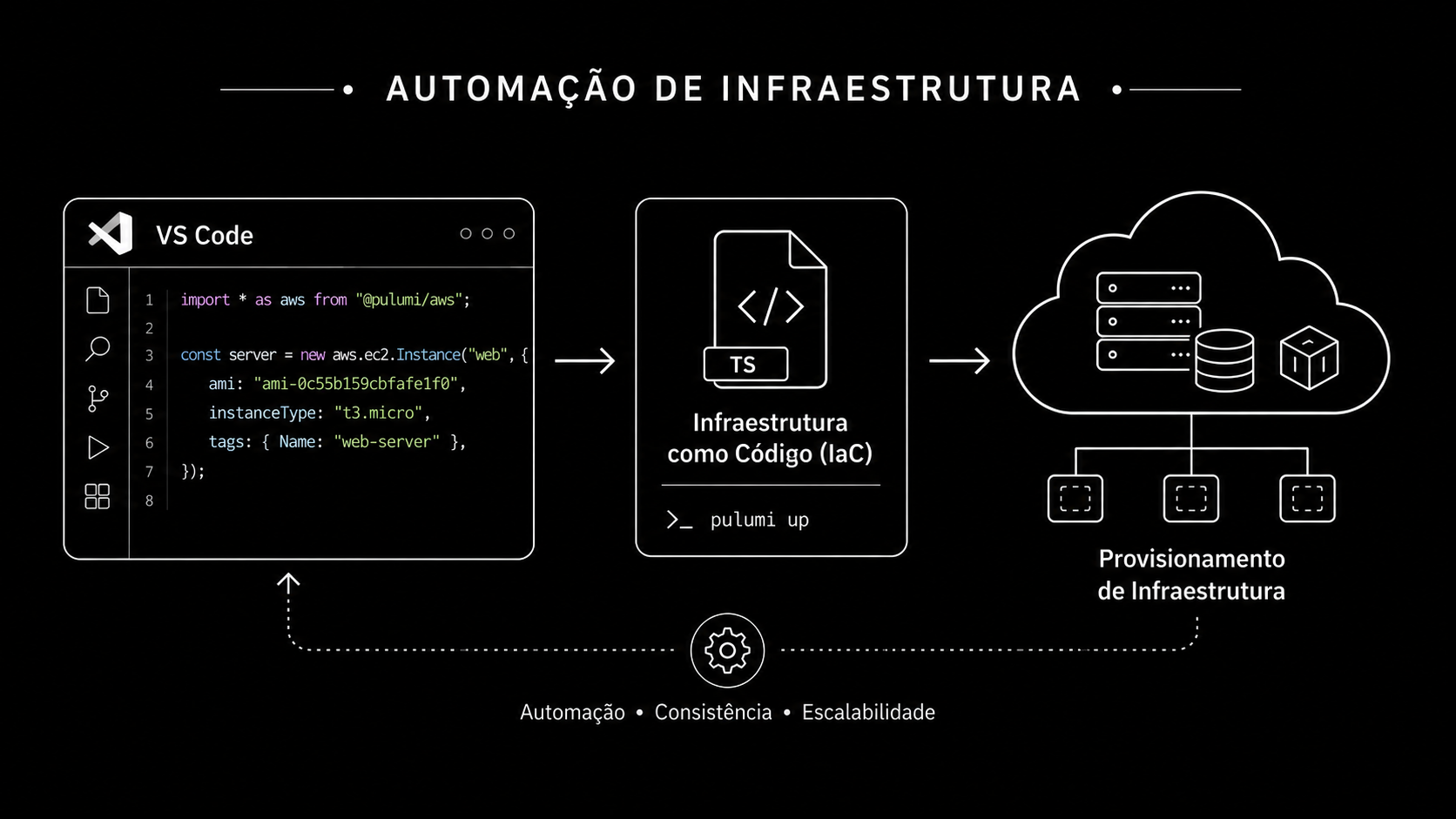
I’d say undeniably one of the main things when we start studying infrastructure, cloud, devops and so on is IaC. Code versioning has always been considered one of the cores of software development. It’s indisputable that the overwhelming majority of the software out in the market today has a git repository behind it, and all that just so we can blame some hack from 6 months ago and find out we were the ones who wrote it.
Infrastructure as Code comes precisely to bring all the goodness of VCS to our environment building, and it reinforces essential practices like reproducibility. In this post I want to walk through how to structure your infrastructure as code to support multiple environments.
Why multiple environments?
Software is something predictably unpredictable, so much so that one of the most famous disciplines we have is chaos engineering, created precisely to try to guarantee as much resilience as possible in those unpredictable, random, chaotic situations. One of the processes within quality assurance is testing features and deliverables across multiple environments before production.
Dev: The environment where the developer works is commonly referred to as the dev/develop/development environment. It can be local, cloud, virtualized, a VPS, a WSL, whatever; it’s the environment where our developer builds and tweaks things from scratch.
QA: This is usually where the QA team tests the feature and its end-to-end integration in an isolated, secure environment. The client has no access; it’s internal.
Staging: Very similar to the QA environment, but with the caveat that the idea here is for it to be an exact replica of the production environment. Very useful for stress testing and capacity planning.
Production: The final environment, where clients access.
The idea behind the flow is to always promote a feature across these environments. It’s common to find flows where there’s only a QA environment and no staging, or only a staging that doubles as QA, or the ones that have none of it and test straight in production, praying nothing breaks.
IaC structure to support multiple environments
I’ll use Pulumi here for the example, but all the concepts discussed here can be applied to other tools like Terraform.
One of the most widespread concepts here is that a stack (a workspace in Terraform’s case) always maps to one environment. Consider the following.
We added a new endpoint to our API and we need to validate that it works end-to-end in a staging environment we’re going to spin up, and stress that endpoint as hard as possible in an environment as close to production as possible to get a sense of the load we can handle. In Pulumi we have Pulumi.yaml and Pulumi.<stack>.yaml. Think of the first as the “defaults” and the second as the dynamic per-stack override.
const config = new pulumi.Config();

const environment = config.require("environment");
const instanceType = config.require("instanceType");
const instanceCount = config.requireNumber("instanceCount");
const allowedCidrBlocks = config.requireObject<string[]>("allowedCidrBlocks");
This lets us keep a single code entry point and change whatever’s needed through per-stack config files, which makes it much easier to maintain the environment replica we need to ensure staging is as close as possible to production.
#Pulumi.yaml
name: pulumi-ec2-alb
runtime: nodejs
description: EC2 + Security Group + ALB example with Pulumi, structured for multiple environments (staging/prod)
config:
  environment:
    type: string
    description: Environment name; used in prefixes and tags. Defined per stack.
  instanceType:
    type: string
    description: EC2 instance type.
    default: t3.micro
  instanceCount:
    type: integer
    description: How many EC2 instances behind the ALB.
    default: 1
  allowedCidrBlocks:
    type: array
    items:
      type: string
    description: CIDRs allowed to reach the ALB on port 80.
    default:
      - 0.0.0.0/0
#Pulumi.prod.yaml
config:
  aws:region: us-east-1
  pulumi-ec2-alb:environment: prod
  # prod overrides the defaults: bigger instance and more replicas.
  pulumi-ec2-alb:instanceType: t3.small
  pulumi-ec2-alb:instanceCount: 2
#Pulumi.staging.yaml
config:
aws:region: us-east-1
pulumi-ec2-alb:environment: staging
# staging identical to prod, we want it as close as possible.
pulumi-ec2-alb:instanceType: t3.small
pulumi-ec2-alb:instanceCount: 2
And what if we wanted to spin up a scaled-down QA environment, just for feature testing? Just run pulumi stack init qa and tweak the config file to the desired state.
#Pulumi.qa.yaml
config:
  aws:region: us-east-1
  # qa inherits almost everything from the Pulumi.yaml defaults
  # (instanceType=t3.micro, instanceCount=1, allowedCidrBlocks=0.0.0.0/0).
  # We only need to identify the environment:
  pulumi-ec2-alb:environment: qa
All of it runs through this single entry point.
const servers: aws.ec2.Instance[] = [];
for (let i = 0; i < instanceCount; i++) {
    servers.push(new aws.ec2.Instance(`${prefix}-web-${i}`, {
        ami: ami.id,
        instanceType: instanceType,
        subnetId: subnets.ids.apply(ids => ids[i % ids.length]),
        vpcSecurityGroupIds: [ec2Sg.id],
        userData: userData,
        tags: { ...commonTags, Name: `${prefix}-web-${i}` },
    }));
}
Wrapping up
This initial setup looks pretty simple, right? And it really is, but it still has a few traps and things to watch out for when you start thinking about scale and real environments. Complexity creeps in as we scale and we want to keep our IaC as the source of truth, including for our application’s runtime, which is very common in ECS-based applications for example, where we start splitting stacks not only by environment but also between what’s “volatile” and what’s “stable”. Here we even define which docker image tag is currently running on the app, and we can’t let image updates block or affect updates to the rest of the infrastructure, hence the volatile versus stable split.